Skip to content

The way we work has changed, fast.
Between hybrid work, remote users, and cloud-first everything, most businesses have had to rethink how they operate. Microsoft calls this shift modern work, but let’s cut through the fancy words for a second and ask what does that actually look like in the real world?
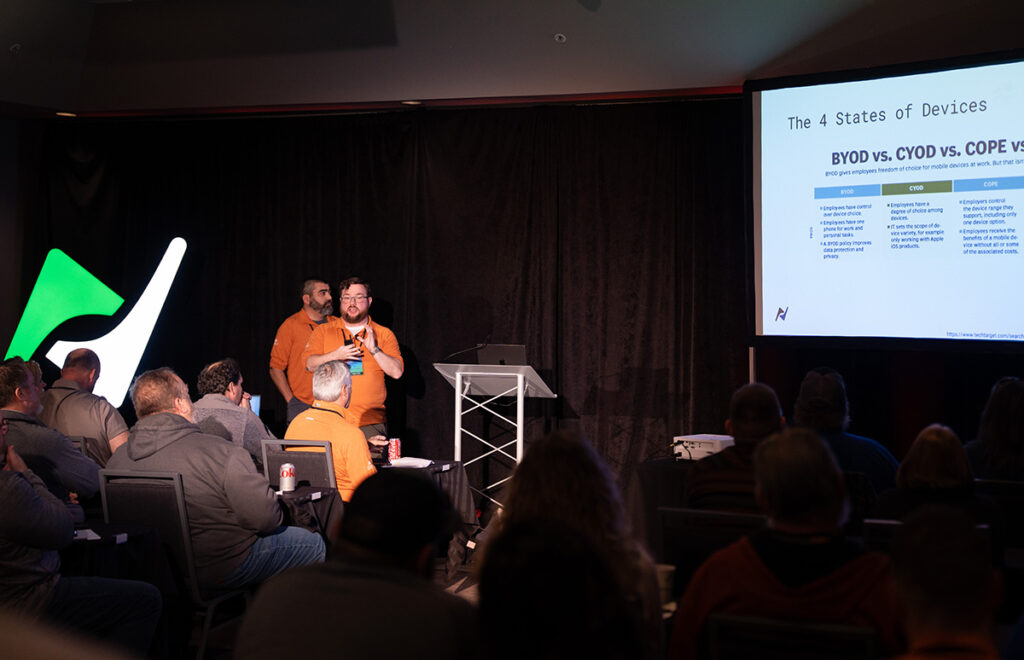
Using what I covered in my nVision session, here’s how I break it down.
What Is Modern Work?
At its core, modern work is about one thing:
Giving your team a secure, flexible, and efficient way to get work done, no matter where they are.
It’s not just one tool or product. It’s a combination of a few key areas working together inside the Microsoft stack.
Productivity & Collaboration
This is where most people start and it’s the easiest win.
With Microsoft 365 tools like Teams and SharePoint, collaboration shifts from old-school and manual to real-time and seamless.
Instead of:
- Emailing attachments back and forth
- Losing track of versions
- Chasing people for updates
You get:
- Shared links instead of files
- Real-time collaboration
- Centralized communication
It’s a small shift, but it makes a big difference in how fast teams can move.
Security & Compliance
As soon as you open things up for flexibility, security must then keep up.
Users aren’t just sitting in the office anymore, they’re at home, on the road, on personal networks, and using multiple devices.
Modern work security is built around:
- Defender for Endpoint
- Conditional Access
- Compliance and governance tools
The goal is simple:
Make sure the right people have the right access without exposing the business to unnecessary risk.
And ideally, you’re stopping issues before they turn into problems.
Employee Experience
This part gets overlooked, but it matters more than most people think.
If your tools are frustrating, hard to find, or provide no value, people don’t use them or they work around them.
Platforms like Microsoft Viva help by:
- Centralizing resources
- Improving visibility into content and knowledge
- Embedding support directly into the workflow
At the end of the day: If you make it easier for employees to do their jobs, they’ll be more productive and more prone to do it correctly.
Cloud & Device Management
This is where things really get interesting, (Tate’s favorite place) especially from an IT perspective.
Tools like Intune allow you to manage devices without ever having to physically touch them.
That includes:
- Autopilot deployments
- App installs
- OS updates
- Security configuration
- Cross-platform device management
The goal here is consistency.
Every device is configured correctly, secured properly, and kept up to date, without manual effort.
AI & Automation
Modern work isn’t just about where you work, t’s about how efficiently you work.
This is where tools like:
- Copilot
- Power Automate
- Power BI
- Power Apps
start to make a real impact.
You can:
- Automate repetitive tasks
- Surface useful insights faster
- Reduce manual processes
It’s not about replacing people, it’s about removing the busy work so they can focus on higher-value tasks.
Why This Matters
A lot of organizations were forced into modern work during 2020.
Some adapted quickly. Others made it work with temporary fixes and are still dealing with those today.
Common pain points we still see:
- VPN headaches
- Devices that are hard to manage remotely
- Gaps in security
- Outdated tools still being used because “they work”
Modern work is really about fixing those problems the right way.
How We Approach It at NCI
To make this easier to adopt (and manage), we’ve built out a couple of focused offerings.
M365 Managed Endpoint
This handles the device side of things:
- Autopilot deployments
- App and OS updates
- Security policies
- Inventory and reporting
- BitLocker management
- Remote scripting and support
Basically, everything needed to keep endpoints consistent and under control.
Managed Endpoint Security
This expands into the bigger picture at the tenant level:
- Advanced security configuration
- Secure Score guidance
- Identity and data protection
- Compliance alignment
- Threat monitoring
- Ongoing reporting and improvements
This is where we help make sure the environment is not just functional, but actually secure.
Final Thought
Modern work isn’t a single solution, it’s a business strategy.
When you get it right, you end up with:
- Better collaboration
- Stronger security
- Easier device management
- A smoother experience for your users
And most importantly: A business that can adapt without scrambling every time things change.